Asset Discovery
Stack Automation needs access to your relevant git repositories to read your Terraform modules or Helm charts. Stack Automation supports 4 version control systems: GitHub, GitLab, BitBucket, and Azure DevOps.
Once a repository is connected, Stack Automation will automatically discover the assets in it (Terraform modules, Helm charts, Kubernetes manifests, CloudFormation templates, and batch scripts. See the full list here.) and will ask you to select the assets to be used for the blueprints. After you select the relevant assets, Stack Automation will automatically generate initial blueprints from your assets.
Enabling Solution Hub or Building Block on an IaC asset wraps it in a blueprint behind the scenes — you won't see or edit that blueprint's raw YAML directly, but you can customize its display name, icon, and labels. See Blueprint Design for the full picture, including how to build multi-grain blueprints yourself.
To connect your repository:
-
Go to your space, and select Repositories from the left pane.
-
Click Add a Repository and follow the instructions.
To connect an Azure DevOps repo, use this format:
https://dev.azure.com/{organization}/{project}/_git/{repositoryName}.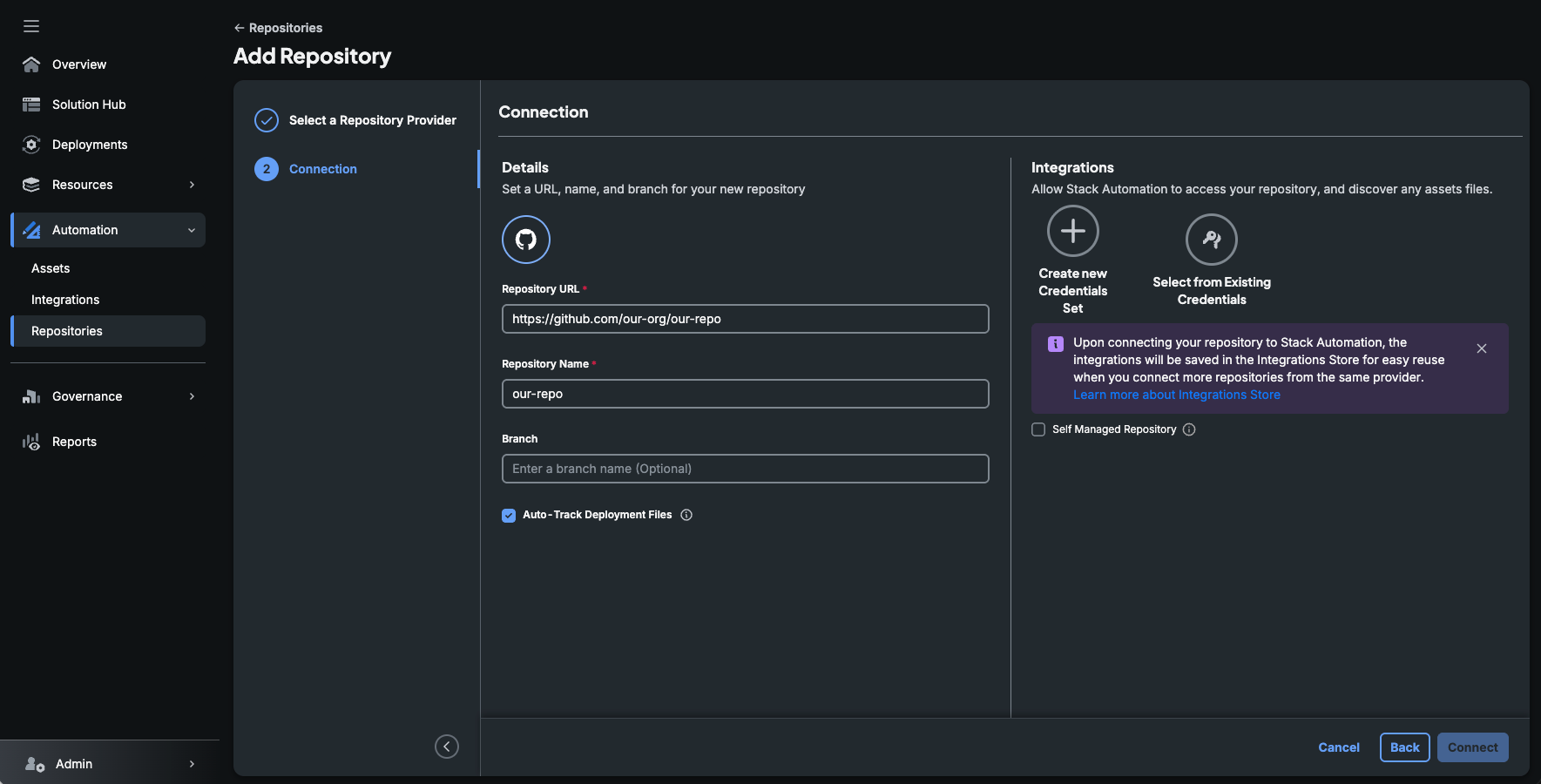
-
After you click on the Connect button, Stack Automation will import any IaC assets, blueprints and workflows from this repository.
-
Next, go to the Assets page, and publish (show in Solutions Hub) any relevant blueprint or IaC asset. You can also mark these assets as building-blocks, to be used inside other blueprints later on.