Overview Tab
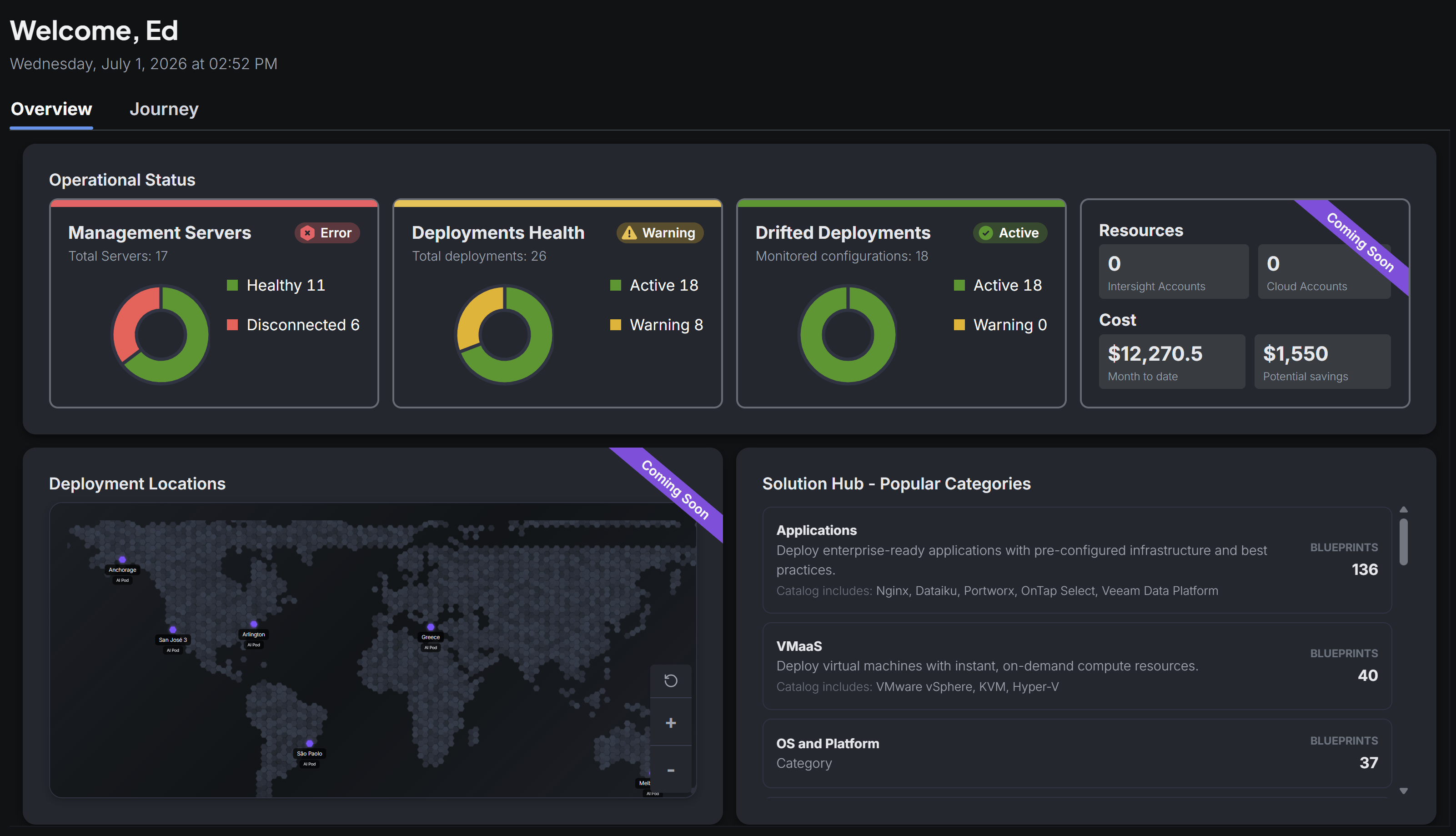
The Overview tab is the default landing view of the Overview page in the Stack Automation admin console. It gives administrators a at-a-glance summary of the health, cost, and catalog of their Stack Automation deployment.
Page header
- Welcome banner — Greets the signed-in user by first name (e.g. "Welcome, Edan") and shows the current date and time.
- Tabs — Two tabs sit below the header: Overview (default, active) and Journey. See Journey Tab for the second tab.
Operational Status
A row of three status cards, each with a colored health bar, a status badge (Error / Warning / Active), and a donut chart breaking down the metric.
Alongside these cards, a Resources panel ("Coming Soon") shows counts for Intersight Accounts and Cloud Accounts (both 0 in this environment), and a Cost panel shows the total resource cost.
Deployment Locations
A world map widget ("Coming Soon") plots pins for each active deployment location, labeled with the site name and a tag such as "AI Pod". The map supports zoom in/out and reset controls.
Solution Hub – Popular Categories
A scrollable list surfaces the most popular blueprint categories from the Solution Hub, each with a short description, example catalog items, and a blueprint count.