Welcome to the Stack Automation Documentation!
Your Complex Infrastructure, Delivered Faster & More Securely
Stack Automation by Quali is an Environment-as-a-Service (EaaS) control plane and self-service catalog allowing you to deploy and manage cloud environments comprising the infrastructure, applications, and any dependencies or external services necessary for applications or services to rely on.
Stack Automation leverages your existing version control systems, public cloud providers, Infrastructure as Code (IaC), containers, and manifests to provide centralized orchestration, automation, self-service, security, monitoring and cost management all within a GitOps mindset.
Want to learn more? Watch this quick Stack Automation demo or visit the Stack Automation website!
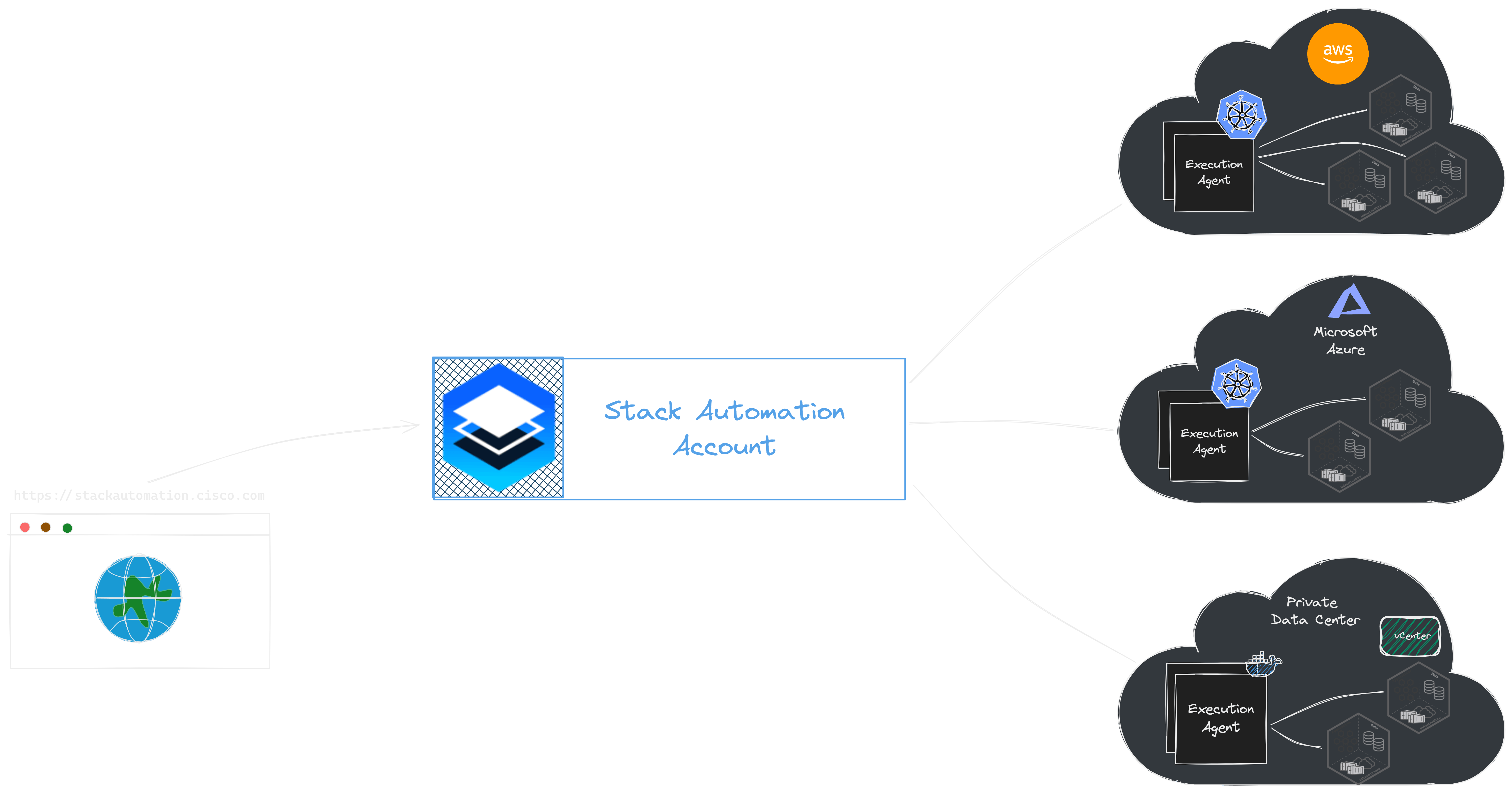
Stack Automation ingests these by connecting to and scanning your git source control repositories, and turns them into blueprints, which can be used as single-asset blueprints, or added as building blocks in multi-asset blueprints. These blueprints can then be published as a self-service catalog for your cloud environment, enabling end-users to browse and consume without having the administrative access to the underlying cloud(s), or deployed and tested via a CI/CD process or through your organization's ticketing system, while having strict policy guardrails. For details, see Architecture.
Stack Automation documentation quick navigation:
From our customers:
“Our back-end systems and applications are complex. They need to be. But, for us to expand at the level of growth that we were experiencing, we needed flexibility and alignment throughout our DevOps lifecycle. We weren’t going to get there with our globally distributed development teams sharing static staging environments. We could either tell our DevOps teams to share the keys to the cloud — which wasn’t going to happen — or we could find a solution.” – Pavel Eliav, Head of DevOps, Resident
Ready to start?
In the next section you will go thorough the initial steps in creating a Stack Automation account, running the Stack Automation built-in samples and finally running your own workload in the system. let's go!